Game Performance Optimization: From CPU to GPU
Profiling and tuning techniques to get the most performance out of your game engine.
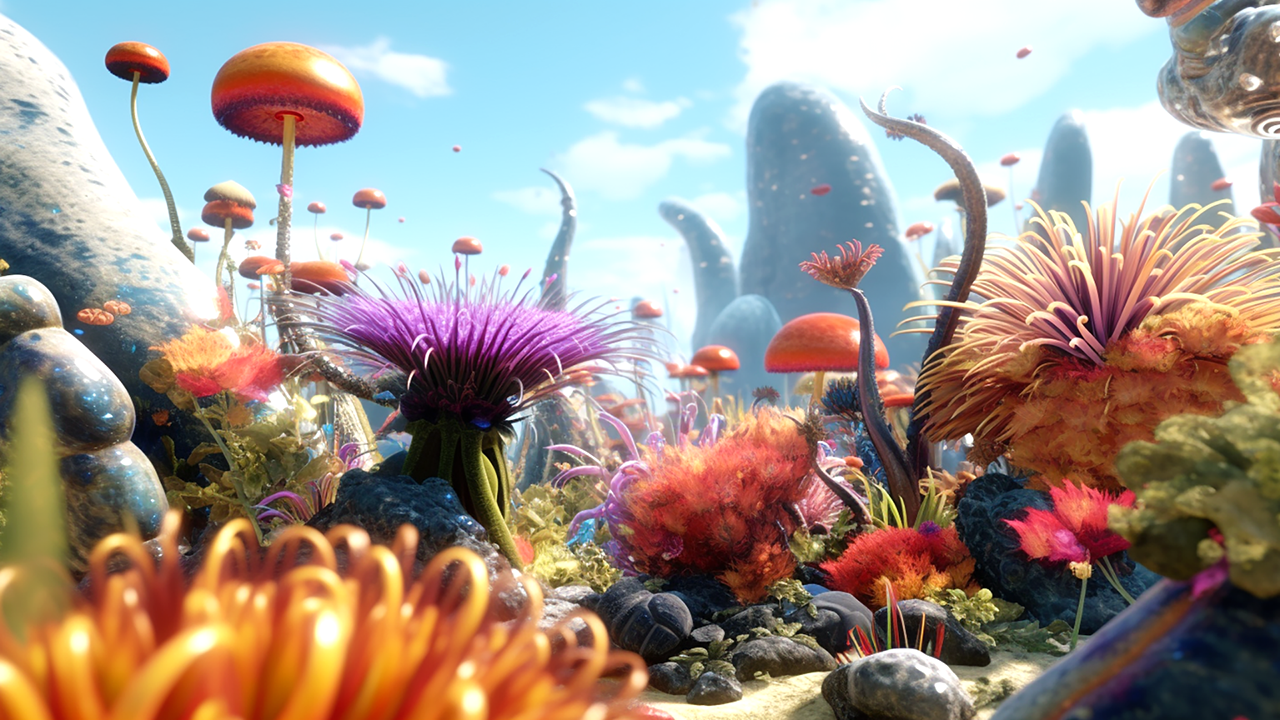
Game performance isn't just about high frame rates—it's about delivering smooth, immersive experiences without lag, stutter, or jank. From the CPU to the GPU, understanding where your bottlenecks are is the first step to shipping a game that feels right.
Key Areas to Monitor
Performance issues can stem from different subsystems, so it's important to break down the load:
- CPU – Scripting, physics, AI logic
- GPU – Shaders, draw calls, post-processing
- Memory – Garbage collection, asset loading
Each component requires different profiling approaches and tuning strategies.
Tools to Use
Leverage platform-specific and engine-specific tools to capture accurate insights:
- Unity Profiler, RenderDoc, NSight
- Frame debugging and GPU tracing
Profilers help you isolate spikes, while debuggers reveal rendering inefficiencies or shader bottlenecks.
Techniques
Once you know where the problems are, these techniques can help you resolve them:
- Use object pooling
- Reduce overdraw and batching issues
- Optimize shader complexity
Final Thoughts
Every millisecond matters in games. By profiling early and optimizing intelligently, you can ensure that performance supports gameplay rather than detracting from it.


Victor Tan
Game developer and real-time graphics engineer passionate about performance optimization and shaders.
Related Posts

The Future of Machine Learning in Healthcare
Exploring how AI and machine learning are revolutionizing healthcare delivery and patient outcomes.

Top Python Libraries for Web Development
A curated list of the most useful Python libraries for building modern web applications.

Zero-Downtime Deployments with Kubernetes and Argo Rollouts
Implementing progressive delivery strategies using Kubernetes and Argo Rollouts for safe, zero-downtime deployments.